Look Professional in Every Video Call
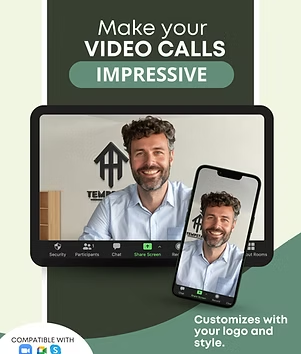
We'll turn YOUR LOGO into a professional realistic custom video call backdrop. Delivered in 48 hours.
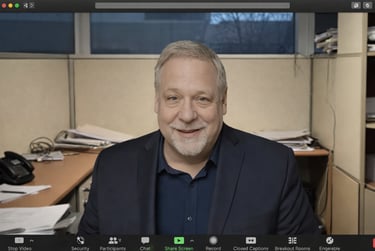
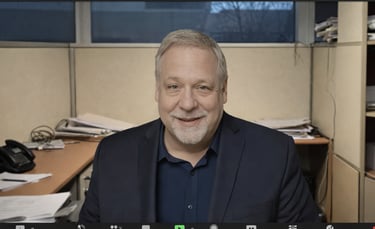

Without CleanDrop 😰❌
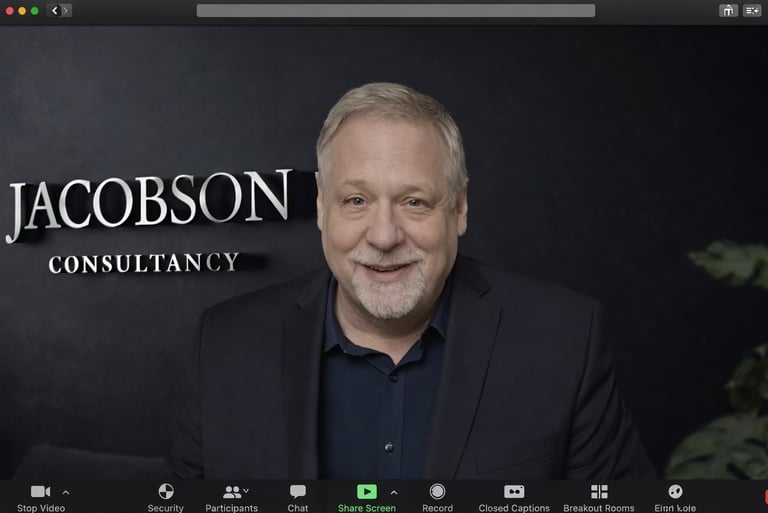
With CleanDrop 🚀 ✅
Results vary based on your camera and lighting.
✅ Works With Zoom, Meets, Teams, Skype, Canva + Many Others!
✅ Made Using Your Current Business Logo
✅ Versatile: Perfect for video calls, video content, and social media use.
✅ No Subscriptions, Pay Once Use Forever -(Mobile + Desktop Included)

Topic discussed in








⬇️ View Gallery Below ⬇️
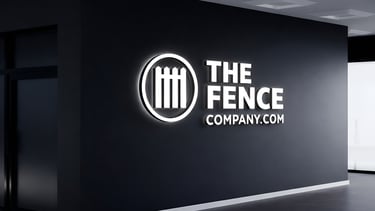
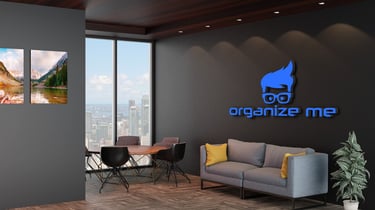
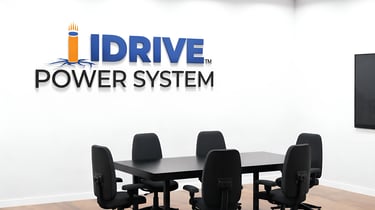
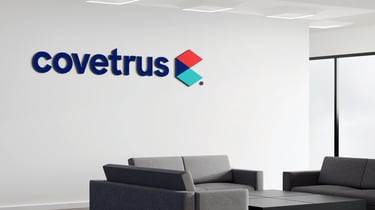
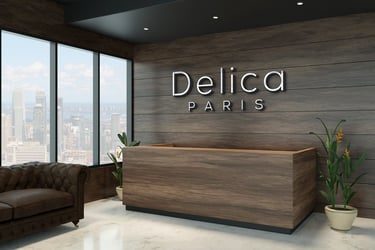
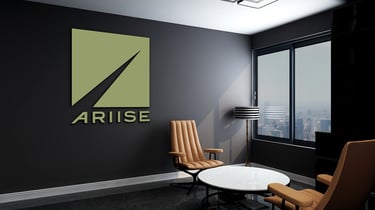
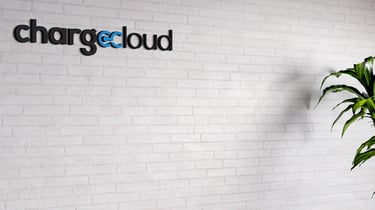
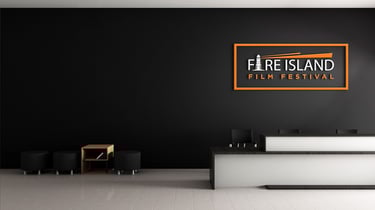
Trusted by 300+ companies in the US.


Ever jumped on a video call and felt unprofessional about what's behind you?
The view of your messy office from behind? A messy hotel room while travelling? Your partner/kid/dog walking around? Or a generic cheap-looking stock background on Zoom (or your video call tool of choice)?
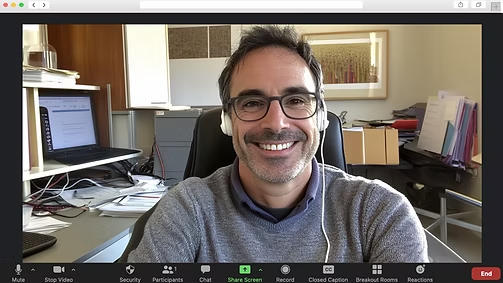
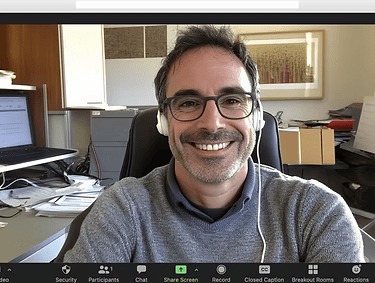
(messy, exposed, unprofessional, generic…)
Or…... you could use a custom CleanDrop background made for you, with your logo in 3D on a realistic wall!?
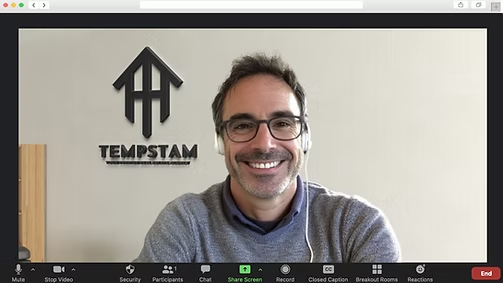
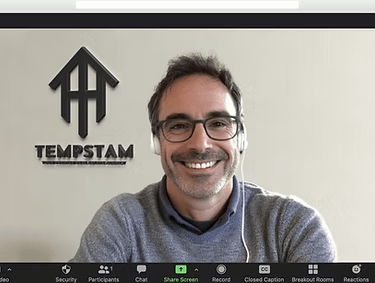
(Sleek, professional, polished, branded…)
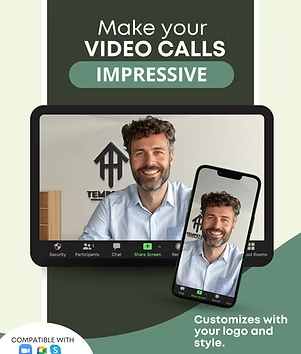
CleanDrop transforms your logo or name into a video call background that keeps every call professional and private.



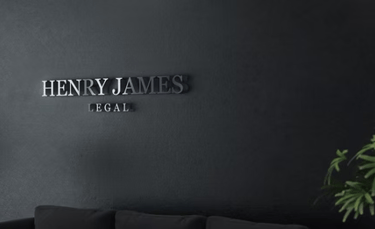
A Client's Logo
Turned Into a CleanDrop
No more worrying about taking a video call in an unprofessional and exposed setting. Or giving that wrong first impression to a client.
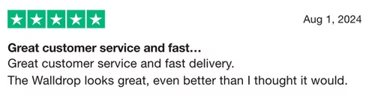
With Walldrop, you can now host every video meeting in a professional and private setting, no matter where you are, feeling professional and confident every time.
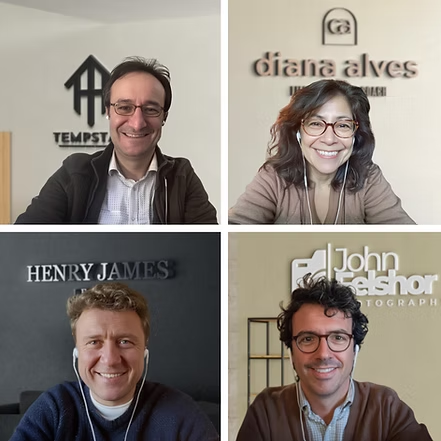

How Do I Get My Own?
Getting your own Walldrop background is quick and easy. Simply upload your existing logo after checkout.
Our design team will transform it into a sleek, 3D-style background perfect for video calls. Within 48 hours, you'll receive your personalized Walldrop done by our artists via email. Follow our simple setup instructions for Zoom or your preferred video call platform, and you're ready to impress!
Our designs seamlessly integrate with Zoom, Google Meets, Skype, Microsoft Teams or your preferred video call tool of choice ensuring you look great on both desktop and mobile devices.
300+ small business owners purchased already.
What are YOU waiting for?
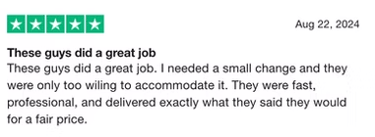
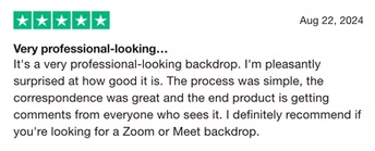
See It In Action

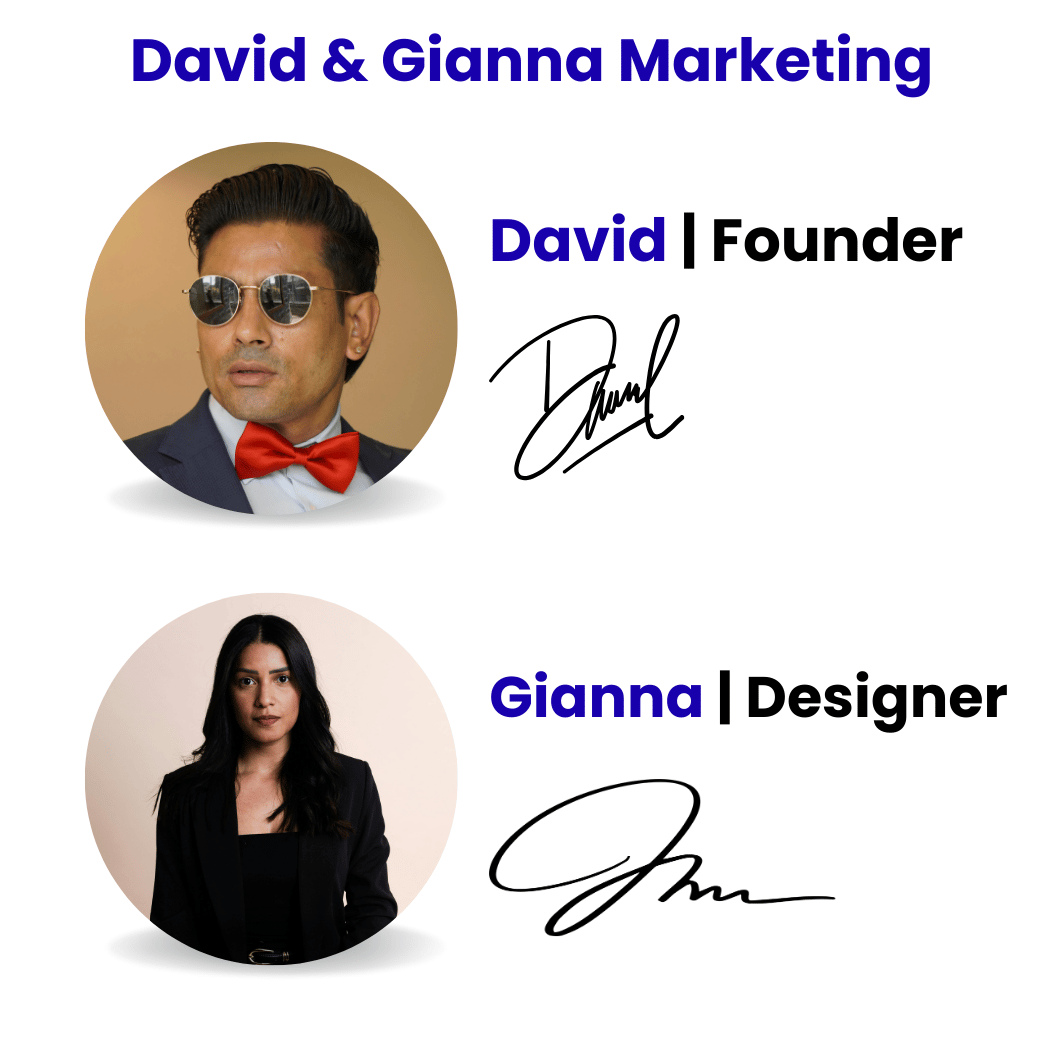
Who Are We?
We are a branding agency with over a decade of experience, known for inventing unique and novel solutions.
⭐ Team of Over 20 Passionate Artists
⭐ 100,000+ Customers Worldwide
⭐ Agency in operation for 10 years
⭐ Rated 4.8/5 on Trustpilot
Frequently asked questions
How do I get my own CleanDrop?
Pick your package, checkout, you'll then be asked to upload your logo. Our design team personalizes with your logo a sleek 3D backdrop based on the stylel you pick and sends it to you within 48 hours, plus easy instructions for Canva, CapCut, or your favorite editor.
What file formats will I receive?
We deliver your Walldrop in high-resolution PNG and JPEG formats optimized for crisp display on all major video editing platforms.
Can I request revisions if I’m not happy with the design?
Absolutely. We offer up to two free revisions to ensure your CleanDrop looks exactly how you want it.
Is this a one-time purchase or subscription?
One-time payment. Use your CleanDrop forever — no ongoing fees or subscriptions.
How do I use my mobile phone as a webcam?
You can use your mobile phone as a webcam by downloading apps like EpocCam for iPhone or DroidCam for Android. After installing the app on your phone and corresponding software on your computer, you can connect the two via USB or Wi-Fi.
What is the best lighting for Zoom meetings?
The best lighting for Zoom meetings is soft, even lighting. A ring light or natural daylight is ideal. Avoid backlighting, as it can make you appear dark and silhouette-like.
How do I set up a green screen for my video calls?
To set up a green screen, simply place a wrinkle-free green backdrop behind you and enable the green screen option in your video conferencing tool’s settings. Adjust your lighting to make the background blend seamlessly.
Why is my webcam producing ghosting effects?
Ghosting is often caused by poor lighting, low-quality webcams, or the absence of a solid background (like a green screen). Adjusting your lighting, upgrading your camera, or adding a green screen can help eliminate ghosting effects.
How does the ordering process work?
Simply choose your package, purchase and then fill a quick 2 minute briefing form. Your custom Walldrop will be delivered within 48 hours.
Will there still be the ghosting/halo effect around me in the call?
The ghosting or halo effect is caused by your lighting, camera quality, and the contrast between you and your background, not by the image background itself.. To achieve the best results, we recommend using a high-quality webcam, ensuring proper lighting (avoiding harsh backlighting), and having a clear contrast between yourself and your background. These adjustments will help minimize any ghosting or halo effects and enhance your video quality. Walldrop works great in most setups when these factors are optimized!
What format should I send my logo in?
We accept most common formats, including PNG, JPEG, and SVG. For best results, a high-resolution PNG or SVG is recommended.
Do I need a green screen?
Absolutely not! All video call backgrounds have the ability to remove your background. However it will yield a better cutout around you if you have a clear wall or use a green screen behind you. These days you can purchase mini green screens that sit on your desk chair for $15 from Amazon.
Is this site secure?
Yes, our site uses industry-standard security measures to protect your information and ensure a safe shopping experience.
How do I pick my logo style and background?
After your purchase, you will fill out a briefing guide that'll get you the perfect background design that suits your needs.
What payment methods do you accept?
We accept all major credit cards, PayPal, and other popular payment methods.
Can I use the background on both desktop and mobile devices?
Yes, our backgrounds are designed to work seamlessly on both desktop and mobile devices.
How long will it take to receive my custom Walldrop?
Your custom background will be delivered within 48 hours of your order.
Can I see a sample before I purchase?
While we don’t offer samples, our gallery showcases various designs to give you an idea of the quality and style you can expect.
What if I’m not satisfied with the design?
We offer revisions to ensure you’re completely happy with your custom background.
Is there a subscription fee or is it a one-time payment?
It’s a one-time payment with no subscription required.
Does this work as a background for my video content as well?
Absolutely! CleanDrop works perfectly as well as a background for videos you make. Many Walldrop clients use it for both video calls and video content backgrounds.
A Business Move You Won't Regret
Make a impactful first impression on every call.
Don't miss out on our biggest sale...
© CleanDrop 2026. All rights reserved.
Disclaimers: Results will vary based on your camera and lighting quality - models shown in our marketing materials are using optimal lighting and high-quality camera setups. This website is not related to Facebook.
a